
Terraform
Terraform Production Readiness Checklist
A practical review sequence for validating Terraform, understanding change risk and promoting infrastructure with evidence instead of guesswork.
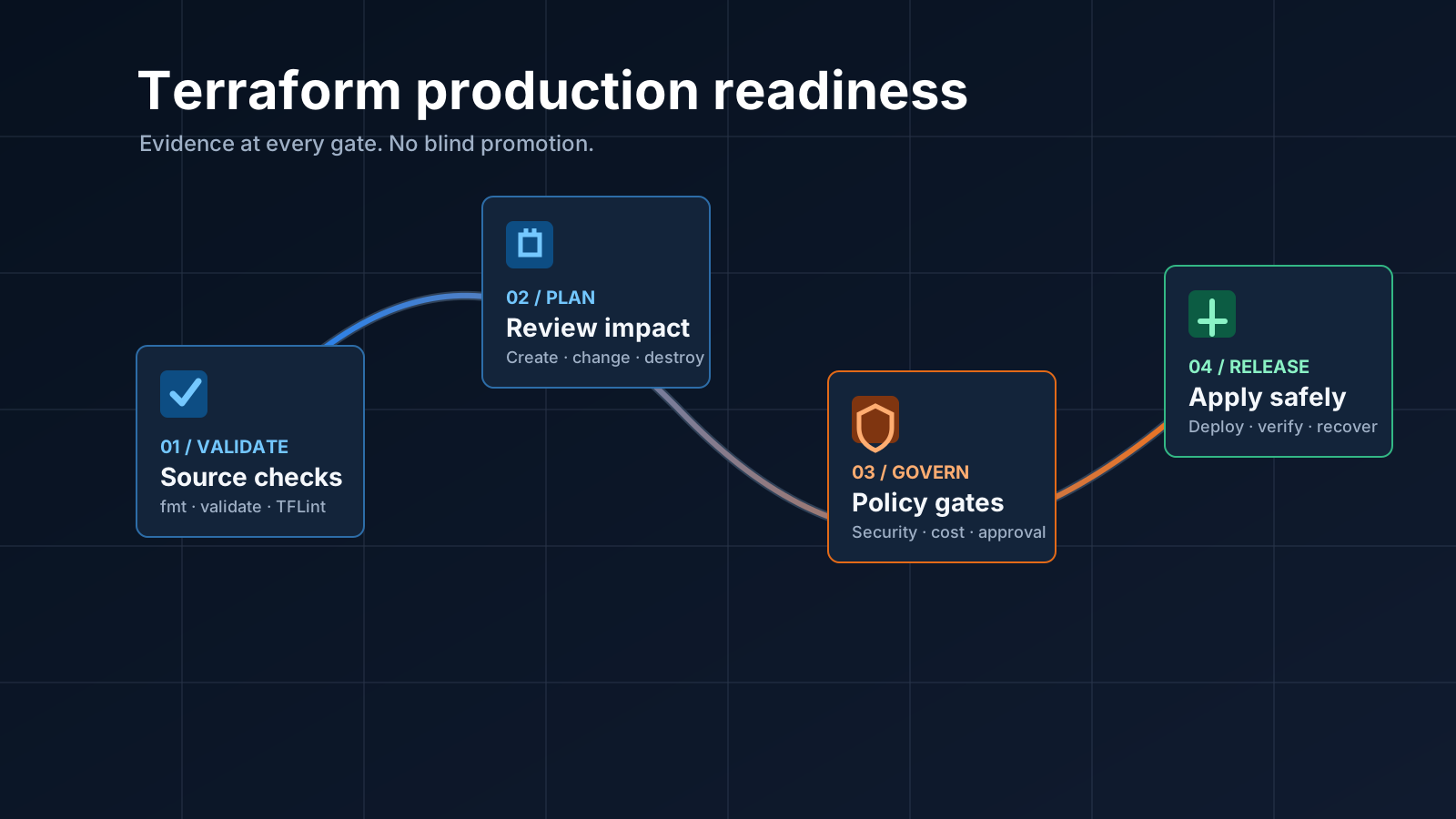
Terraform should not move directly from generation to apply. A production change needs a sequence of checks
that proves the configuration is valid, the proposed change is understood and the release can be recovered if
reality differs from the plan.
This checklist focuses on the evidence a reviewer should expect before approving infrastructure. It applies whether the configuration was written by an engineer, generated from a template or proposed by an AI-assisted workflow.
1. Establish the source you are reviewing
Start by making the change reproducible. Pin the Terraform and provider versions, commit the lock file and record the exact source commit used for validation. A plan produced from one commit must never be used to approve another.
- Keep environment inputs explicit and reviewable.
- Store state remotely with encryption and locking.
- Do not pass secrets through committed variable files or plan output.
- Confirm that the selected workspace and backend belong to the intended environment.
This first gate prevents a technically valid plan from being applied to the wrong account, subscription, region or state file.
2. Run deterministic validation
Run formatting, initialization and validation before producing a plan:
terraform fmt -check -recursive
terraform init -backend=false
terraform validate
tflint --recursive
terraform validate checks Terraform’s own configuration model. TFLint adds provider-aware and
organisation-specific rules, such as deprecated arguments, invalid instance types and naming policy. Neither
tool replaces the other.
The validation environment should use the same lock file and tool versions as the runner that will create the real plan. Treat warnings deliberately: either resolve them or record why they are acceptable. Do not allow a growing warning count to become normal background noise.
3. Create a saved plan
Generate the plan once and save it as an immutable release artifact:
terraform plan -out=tfplan
terraform show -json tfplan > tfplan.json
The binary plan is what Terraform can apply. The JSON representation is what policy checks, visual resource maps and review tools can inspect. Hash both artifacts and retain them with the source commit, provider lock file, runner identity and timestamps.
Recreate the plan whenever the source, variables, state, provider lock file or target environment changes.
4. Review resource-level impact
A reviewer needs more than the summary count. Inspect every create, update, replacement and destroy action. Pay particular attention to:
- replacements of stateful resources;
- changes to network reachability or public exposure;
- IAM policies, role trust relationships and wildcard permissions;
- encryption, backup, retention and deletion-protection settings;
- database engine, storage and availability changes;
- resources moving between regions, zones or accounts;
- cost-significant sizes, capacity settings and data-transfer paths.
A useful plan view connects each change to the architecture resource it represents. Failed policy or validation checks should remain attached to that resource so the reviewer can see what is blocked and why.
5. Enforce security and policy gates
Policy checks should run against the saved plan, not only against source text. Plan data reveals values and relationships that are unknown before evaluation.
Use deterministic rules for decisions such as public access, encryption, approved regions, mandatory tags, backup controls and destructive actions. AI can explain a finding or propose a correction, but it should not be the authority that approves a production deployment.
Fail closed when a required policy engine is unavailable. A missing security result is not a passing result.
6. Confirm approval boundaries
Separate the person or automation that proposes a change from the authority that approves a high-impact apply. The approval record should identify:
- the saved plan hash;
- the source commit;
- the target environment;
- the approving identity;
- the policy and validation results;
- the approval time and expiry.
Require a fresh approval if a new plan is generated. This prevents an old approval from silently authorising a different change.
7. Prepare rollout and recovery
Before applying, decide how the team will detect failure and what recovery means for each stateful resource.
Rollback is not always another terraform apply; destructive database or storage changes may require restore
procedures, traffic shifts or provider-specific recovery steps.
For material changes, define health checks, observation windows, owners and stop conditions. Apply in the smallest safe scope and retain runner logs without exposing credentials or sensitive plan values.
8. Verify the result
A successful Terraform exit code proves that the provider accepted the requested operations. It does not prove that the service is healthy for users.
After apply, compare the deployed resource inventory with the approved plan, run service health checks and capture the resulting outputs as controlled artifacts. Flag partial failures per resource and keep the evidence linked to the run.
A production-ready evidence set
Before promotion, a strong release record contains:
- the reviewed source commit and lock file;
- formatting, Terraform validation and TFLint results;
- the saved binary plan and its JSON representation;
- resource and policy findings;
- cost-impact evidence;
- approval bound to the plan hash and environment;
- apply logs with sensitive values redacted;
- post-deployment health and inventory verification.
The goal is not to add ceremony. It is to make every production change understandable, repeatable and safe to operate when something unexpected happens.